

Chat
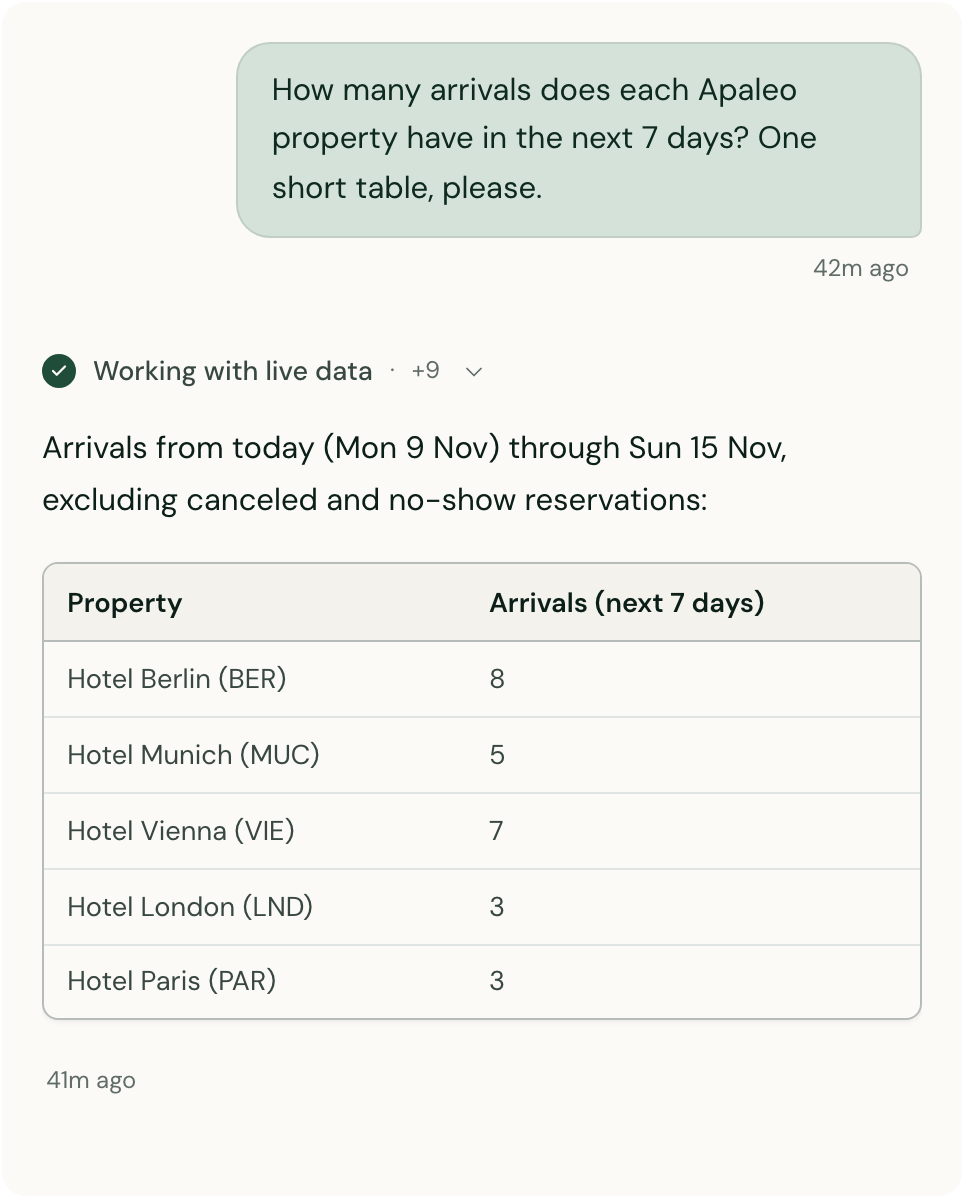
Chat is where you ask questions about your data in plain words. Chat looks the answer up in the systems your workspace has connected, at the moment you ask, and replies with text, tables and charts. A conversation can also be about one report, agent or site, which then shows in the side panel beside it. Reports, agents and sites are built in chat too, and their own pages say how: Reports, Agents and Publish. Everyone in the workspace can open every conversation.
What you can do
- Ask a question about your data: ask, follow up, and see where a number came from.
- Decide an approval request in chat: allow or deny a change chat asks to make in a connected system.
- Add a file to a conversation: put a file into Files from the message box.
- Chat about a report, an agent or a site: open a conversation on its subject with Edit with AI.
- Find an earlier conversation: pick one from History and carry on.
- Reference: every rule, limit and term in one place.