

Sign-in and security
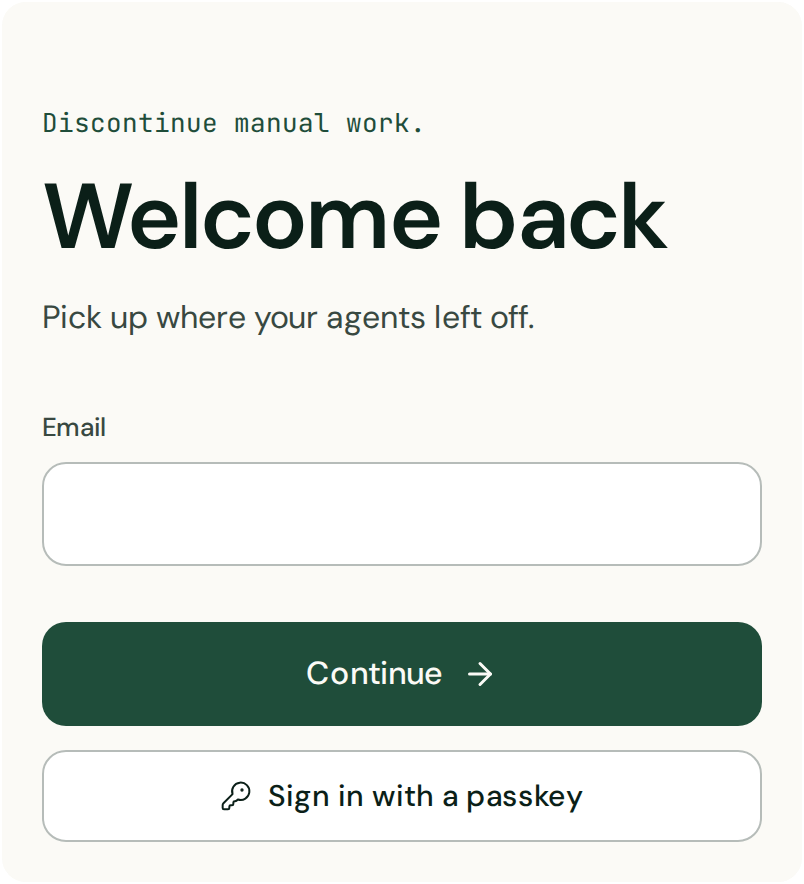
You sign in with your email address and one of your sign-in methods: a password, a passkey or your company's sign-in. An authenticator app adds a second step to the password. Account, then Security, lists your methods and every browser that is signed in, and you change or end each one there. Before a sensitive change, Discontinue asks you to confirm it's you. Admins decide what people must show to work in their workspace, and read the workspace's security history.
What you can do
- Sign in to Discontinue: sign in with a password, a code or a passkey, and get back in when a password is locked.
- Change, set or remove your password: keep the password you sign in with, or sign in without one.
- Turn on two-factor authentication: add an authenticator app and keep its recovery codes.
- Add a passkey: sign in with your fingerprint, face or device PIN.
- See and end your sessions: sign out a browser you don't recognise.
- Confirm it's you: what happens before a sensitive change.
- Decide what people must show in a workspace: require two factors or a fresh sign-in, and limit tokens and apps.
- Read the security history: see and download who changed members, access and security settings in a workspace.
- Reference: every rule, limit and term in one place.