

Provision people with SCIM
Who can do this: admins of the organization. You need an identity provider that provisions over SCIM 2.0, such as Entra ID, Okta or Google Workspace.
With provisioning, your provider adds people to Discontinue, keeps their name and address current and deactivates them when they leave.
Steps
-
Open discontinue.dev/org, select your organization and open Provisioning.
-
Copy the Tenant URL,
https://discontinue.dev/api/v1/scim/v2, into your provider as its SCIM URL. -
Under Secret token, select Create token. You confirm it's you if your last sign-in is older than 10 minutes.
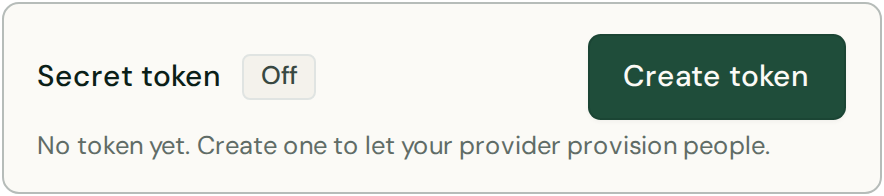
The secret token before one exists. -
Copy the token into your provider now. It is shown once.
-
Start provisioning at your provider. Once its first request arrives, the page shows when the last one came.
Good to know
- People the provider adds show under Managed accounts on People. They sign in through your company sign-in.
- A person the provider deactivates or deletes loses access to your organization's workspaces at their next step. Their account and their work stay.
- Groups the provider sends become Provisioned group values for role mappings.
- While a token exists, the 31-day rule for people who stop signing in through your provider does not apply.
- Rotate replaces the token, and the old one stops working at once. Revoke ends provisioning, and the 31-day rule applies again.
If something goes wrong
- "No request has arrived yet": check the URL and the token in your provider. A token that is never used provisions nobody.
The rules behind this task are in the reference, under Provisioning.